Embed a Brandbot signup Form on your website to attract new subscribers and boost engagement.
In this article we’ll show you how to easily add an embeded a Brandbot Form on your website!
Before you start
Here are some things to know before you begin this process.
- This article tells you how to generate an embed code and add it to your website. You’ll need to create your embedded sign up Form first. To learn more check out How do I create a new Form?
- Use Auto-Messages to setup response emails before you embed the Form.
- To prevent fake signups, enable reCAPTCHA confirmation for your Form in the Form Builder area.
- Embedding Forms is a feature recommended for users familiar with custom coding. Contact hello@ipstudio.co if you need assistance.
How it works
After personalizing your integrated Form, Brandbot will generate a code for you. Simply insert this code into the backend of your web page where you intend to display the Form. Whenever you make modifications to your integrated Form and Re-Publish the code will automatically reflect these changes. To refresh your integrated Form, copy the new code and substitute it for the previous one on your website. If you are proficient in HTML, you also have the option to manually adjust the code to match your organization’s specific style and branding.
Generate embedded Form code
After you’ve customized your embedded Form, you’ll need to generate the Form’s code.
To generate the Form’s code, follow these steps.
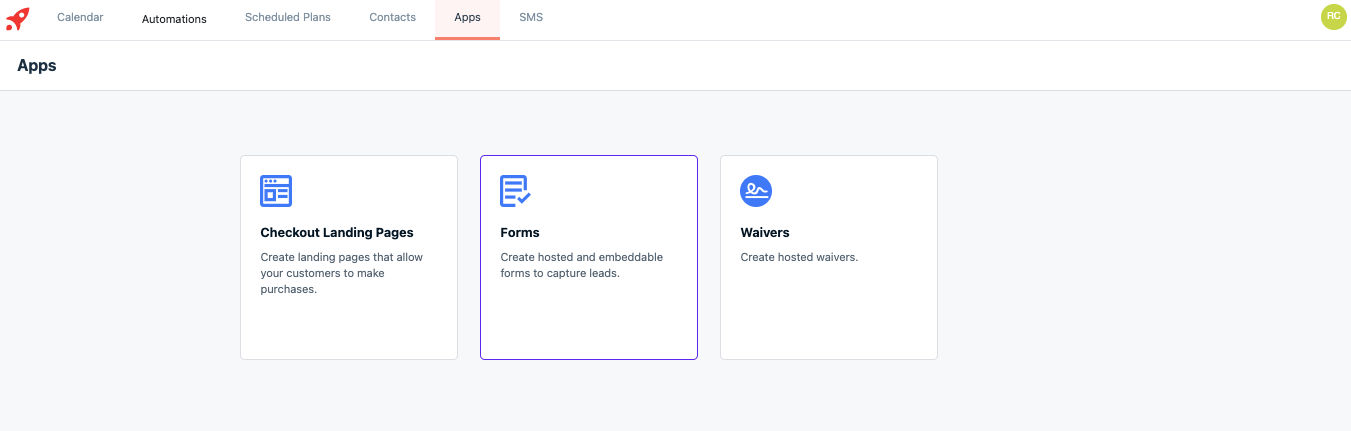
- Click Apps then click Forms
- Select your from the list
- Select Embed
- Click Copy Code or Email my Developer
- Paste the code into your website where you want it to appear.
Note: embedded Forms inherit your website’s stylesheet, so the Form may look different in Brandbot than it does on your website. Want to customize your button? Copy the CSS below and place it between <style> </style> tags on your website or in your custom CSS area.
button#bb_submit {
    padding: [input value];
    background: [input value];
    border: [input value];
    border-radius: [input value];
    font-size: [input value];
}
Add Form to third-party website
Most third-party website platforms make it easy to embed Brandbot signup Forms. Check your website provider’s support page for guidance if your platform isn’t listed here.
Depending on your website platform, manual changes to the Form’s code may be required. For support reach out to hello@ipstudio.co
Check out our embedded Brandbot Form
Click here to see an embedded Brandbot form